The OneHomeschool app
OneHomeschool on your phone and tablet
For iPhone, iPad, Android phones and tablets.
Already use OneHomeschool? Sign in with the same account and everything's there. New here? You can create your account in the app.


In the app
The school day, in your hand
It's the same planner you use on the computer. Whatever you change on your phone shows up there too, and the other way around.
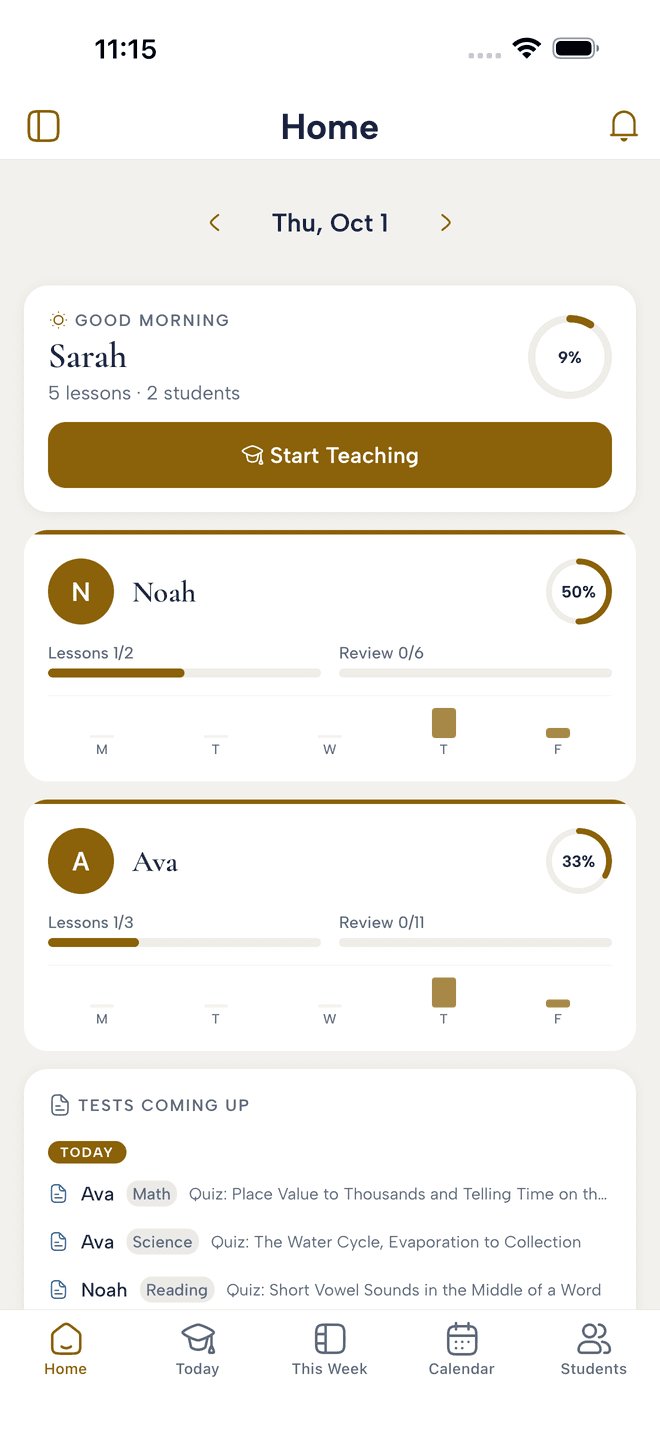
Everyone's day on one screen
See where each child stands and what comes next, before the day starts.
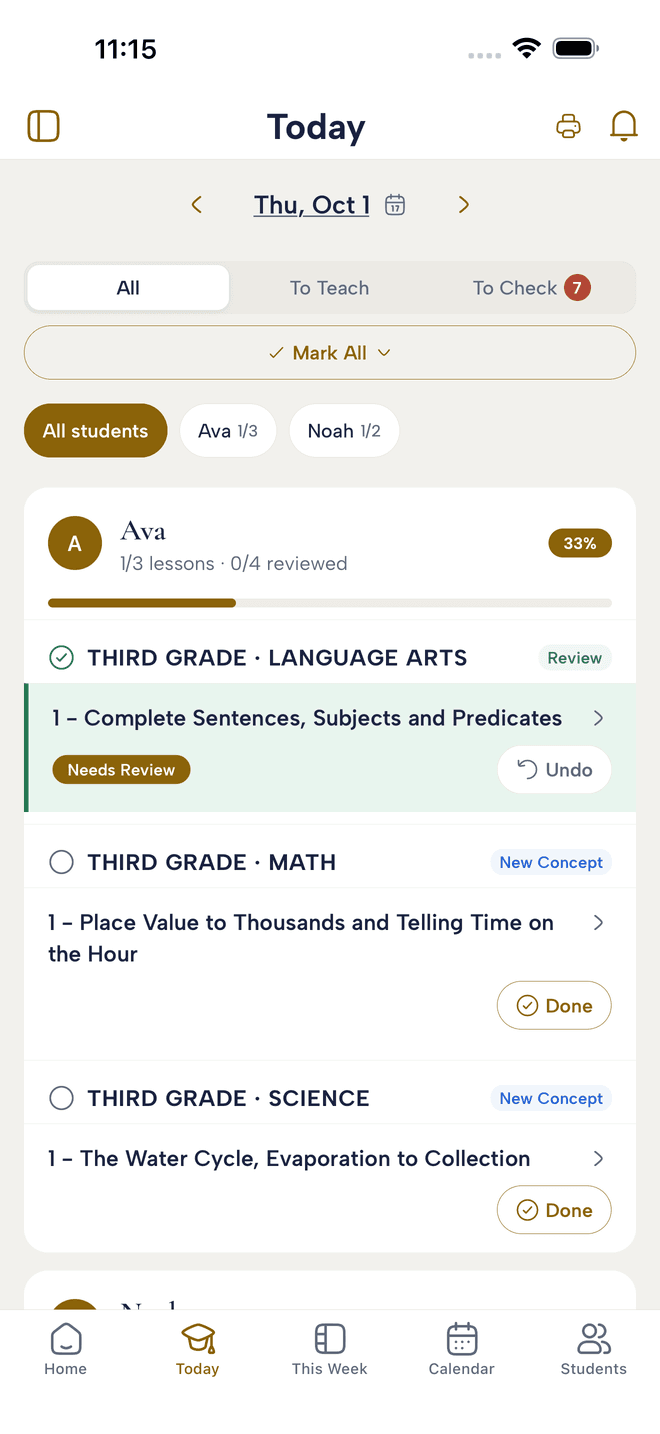
Mark lessons done as you go
Tick off each lesson when it's finished. Progress and attendance keep up on their own.
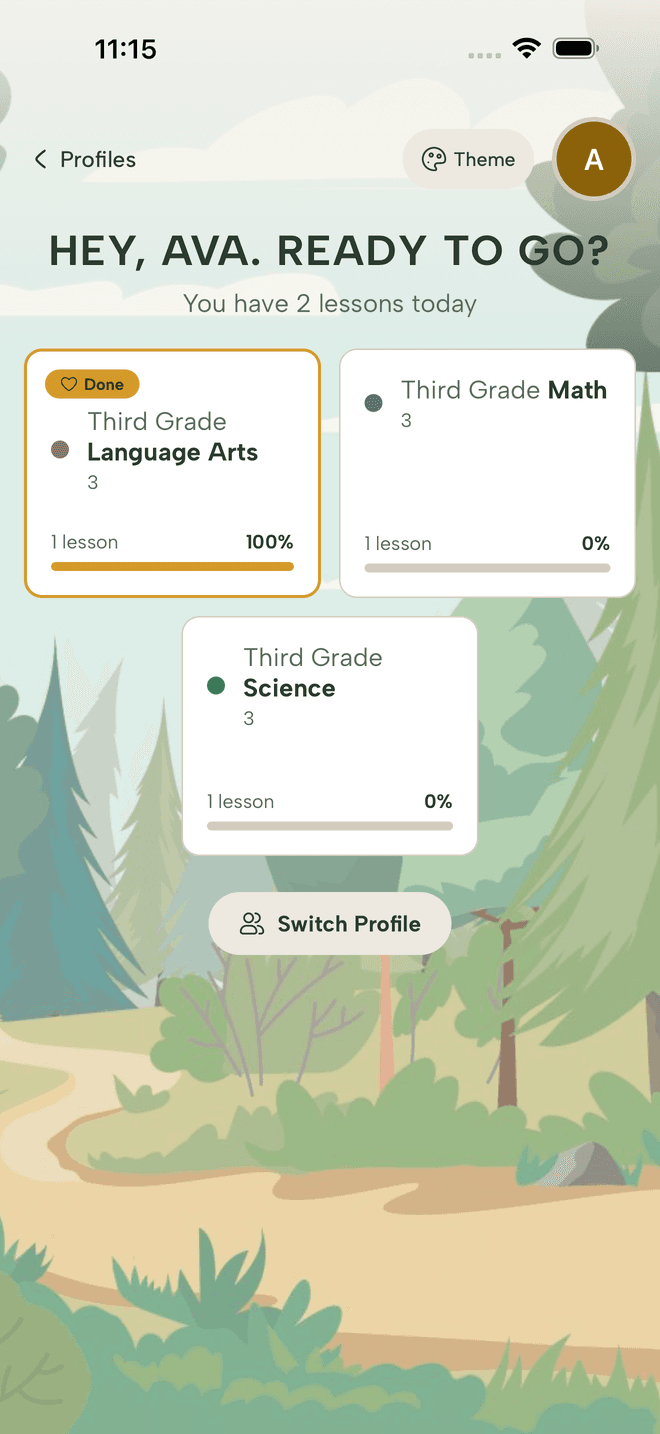
Hand the tablet to your kids
Each child sees their own lessons for the day and checks them off without asking you what comes next.
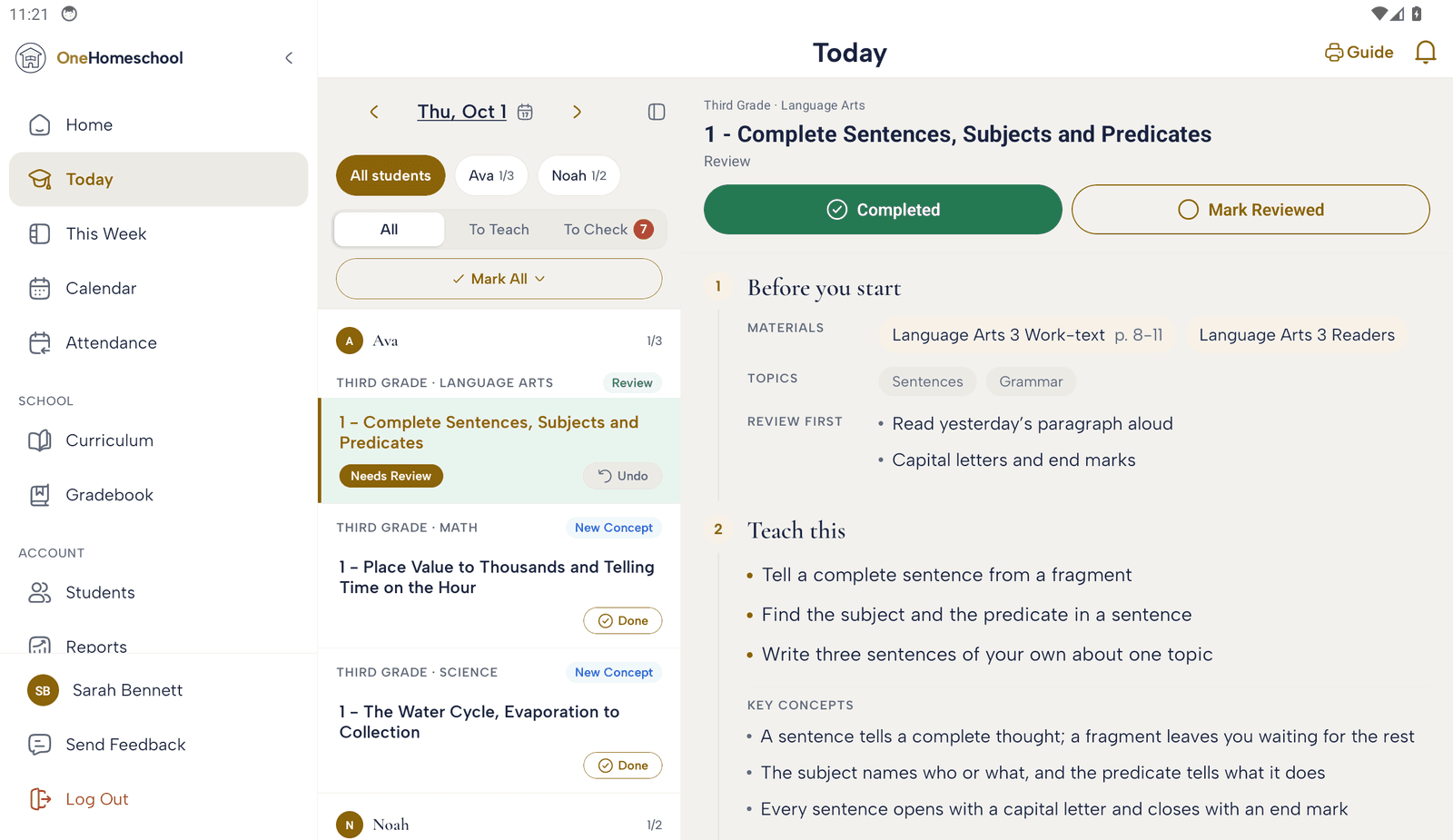
On a tablet, the lesson sits beside the day
Pick a lesson from the list and what to teach opens next to it, materials and all.